Home › Help › Championships and ACR Live Timing
Championships and ACR Live Timing
A championship is a series of multiplayer rounds with points and an overall standing, by driver or by team.
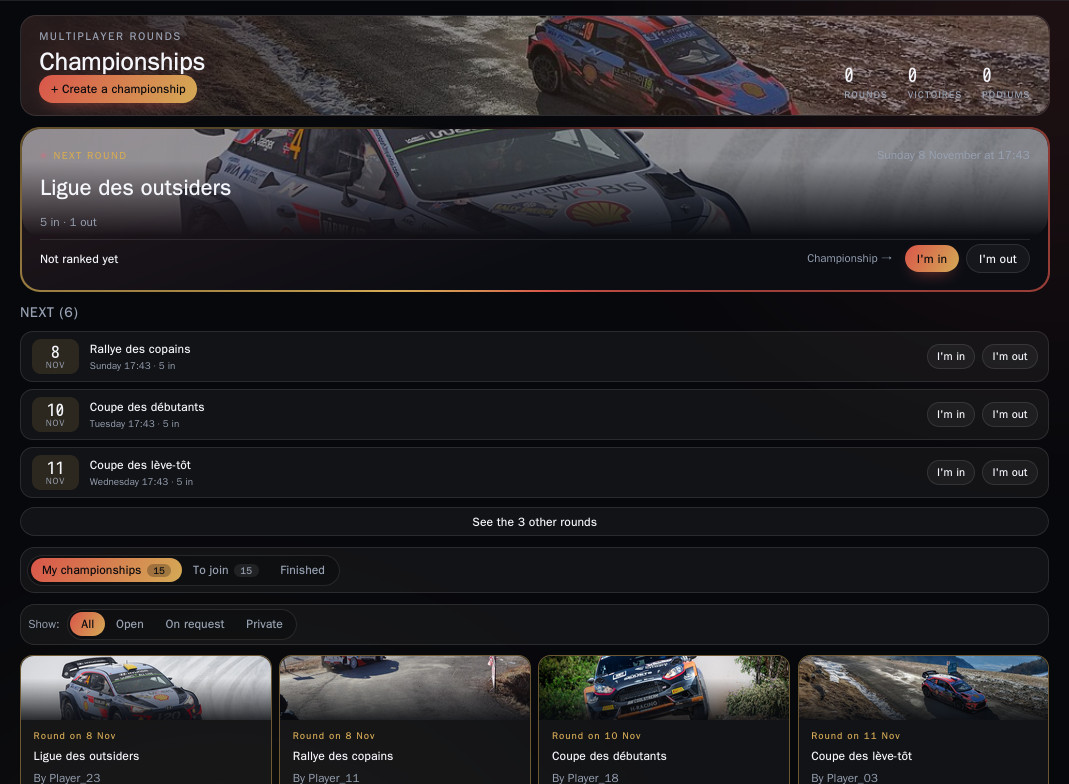
Results come from ACR Live Timing, the independent tool one player in the lobby runs during the evening: the game does not write these times itself. All championships are in the Championships tab of the site.
1. Read the standings
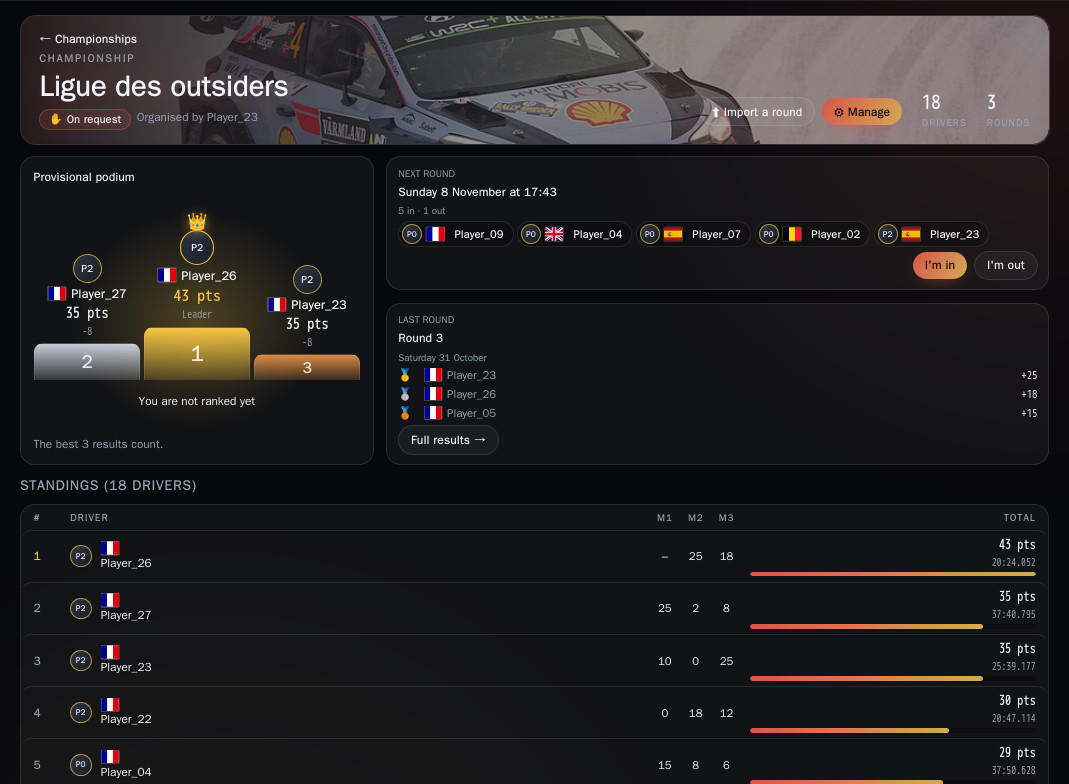
The championship page shows the provisional podium, the next round (answer I'm in or I'm out), the last round and the overall standings with the points scored in each round.
2. A round in detail
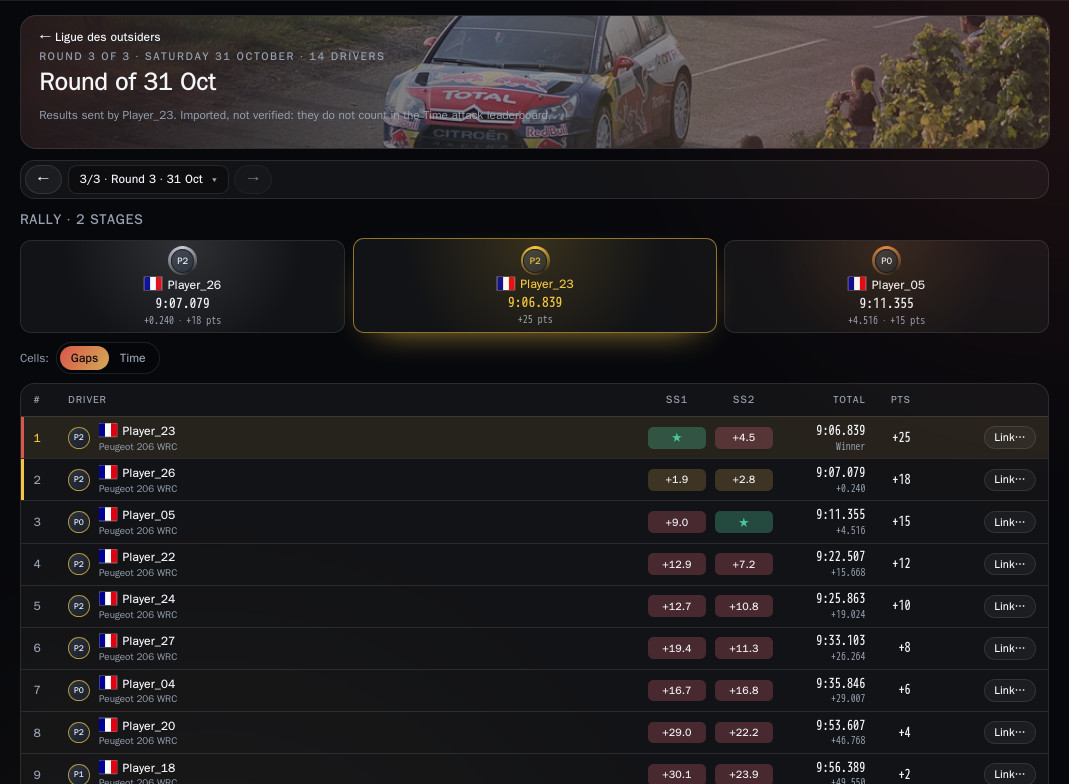
Full results → opens a round: the evening's standings and the points each driver earned. You move from one round to another without leaving the page.
3. Join, then get linked to your row
The organiser picks the access: Invite only (link), On request (they accept or refuse) or Open.
A round's results carry the drivers' in-game names. A row linked to your account shows under your name in the championship standings. Two ways to get linked:
- With Steam: link your Steam account in My account. When the results come from ACR Live Timing, the site recognises you automatically, with nothing to approve. Only your SteamID is stored.
- Without Steam: open the round (Full results →) and click That's me on your row. Your request goes to the organiser, who accepts or refuses it; meanwhile you can withdraw it. Once linked, your row is highlighted.
The organiser can also link a row to a championship account themselves, their own or a member's, with Link…, and remove a link.
4. Organiser: add a round
Two ways:
- Automatic sending from ACR Live Timing (recommended): at the end of each evening the tool offers to send the results, which arrive as a new round (one per rally).
- File upload: ⬆ Import a round, then drop the session file exported by ACR Live Timing (.json). A file that was already imported is not added twice.
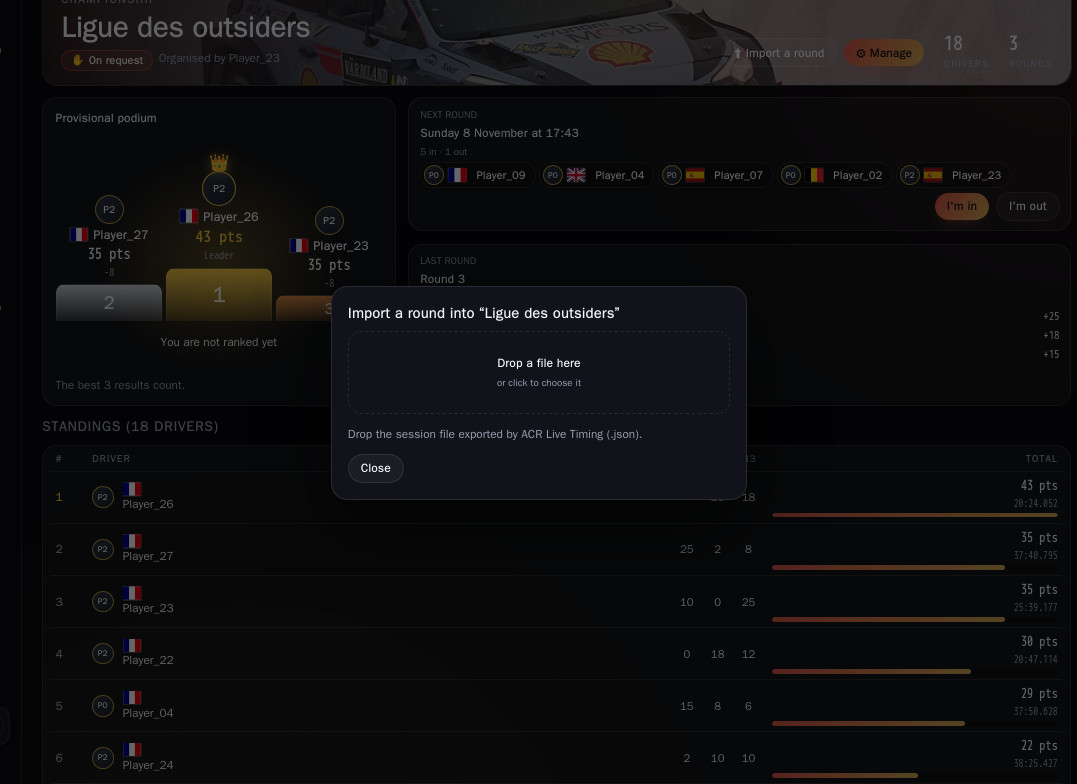
5. Organiser: connect ACR Live Timing
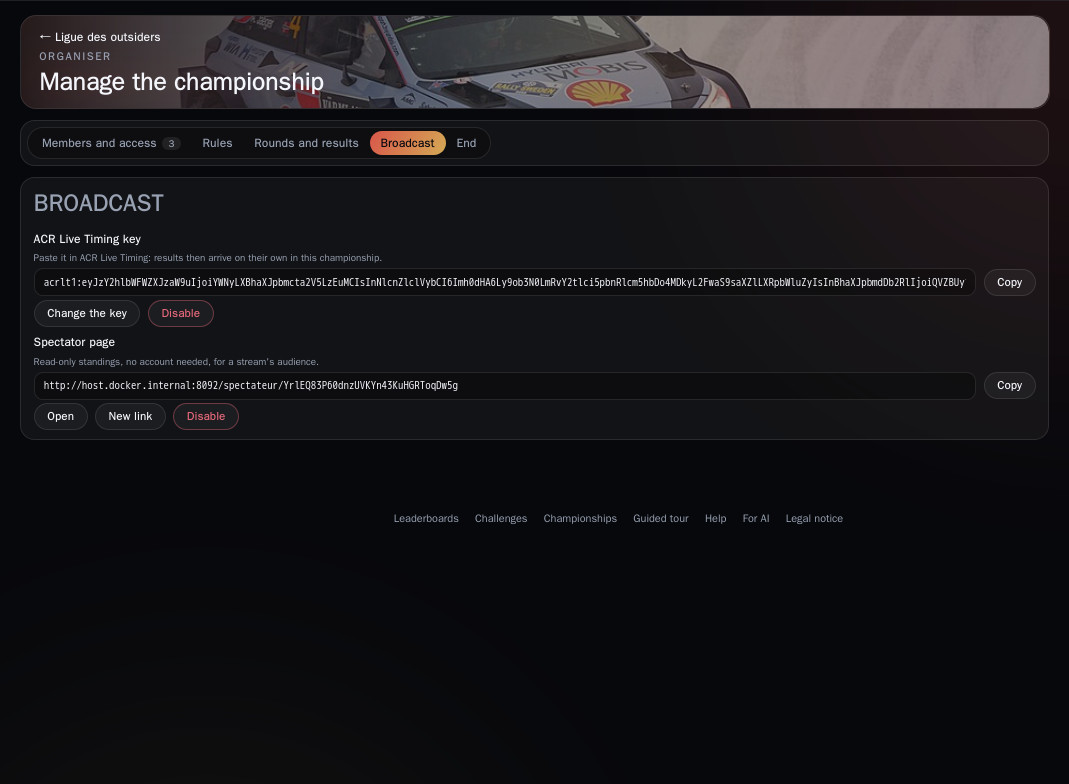
In ⚙ Manage › Broadcast, click Enable sending: the site shows an ACR Live Timing key. Paste it once into the tool, before the rally (a stage started before pairing does not count). The key lasts the whole season; New key replaces the old one. Keep it to yourself: it lets anyone add rounds to your championship.
The Spectator page gives a read-only standing with no account needed: handy for a stream.
6. Organiser: manage the championship
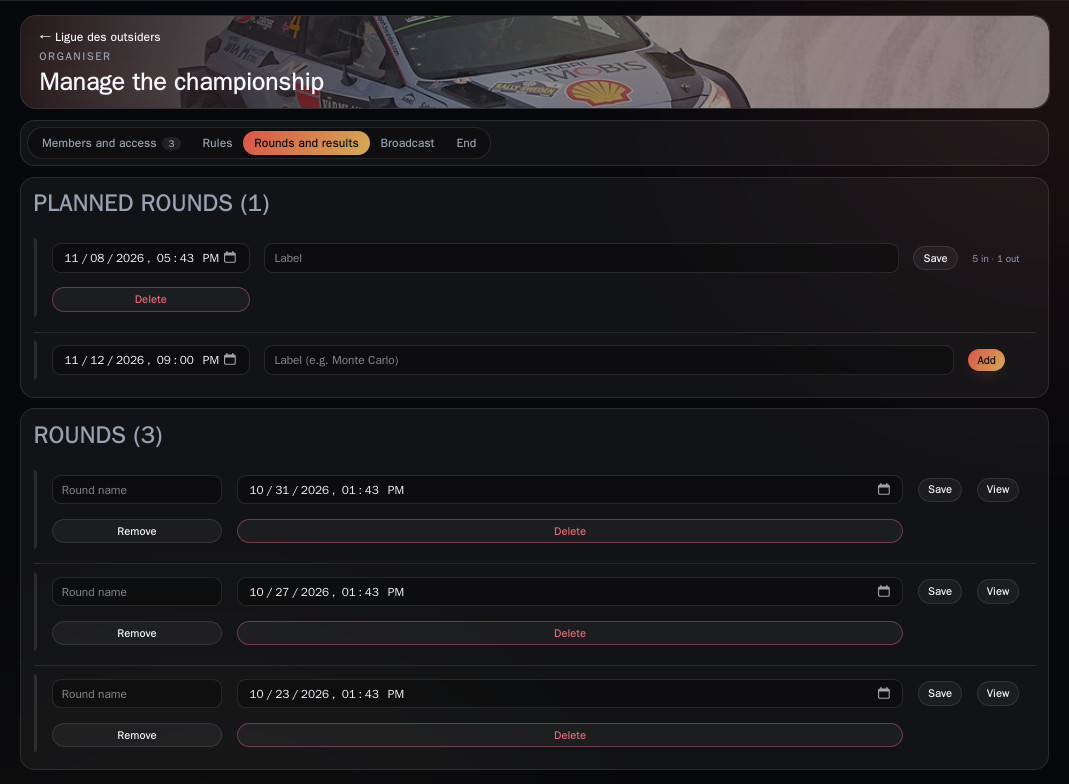
⚙ Manage brings together Members and access (requests to handle, access mode, invitation link), Rules (points, best results counted), Rounds and results (rename, remove or delete a round), Broadcast and End.