Home › Help › My setups: versions, viewer, tidying up
My setups: versions, viewer, tidying up
My setups keeps every setup the companion read in the game.
You have nothing to do: with Send my setups automatically (on by default), they arrive here, under Setups in the menu, along with your times.
1. A version for every change
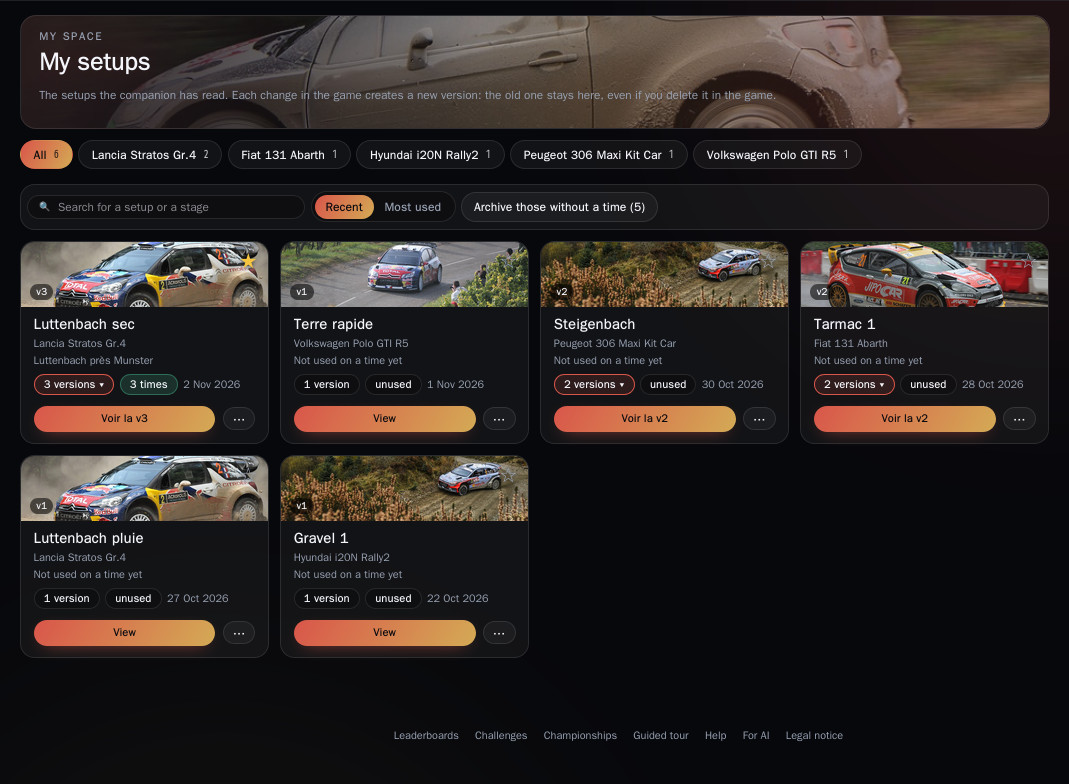
Each time you change a setup in the game, a new version is added (v1, v2…). The old one stays here, even if you delete it in the game.
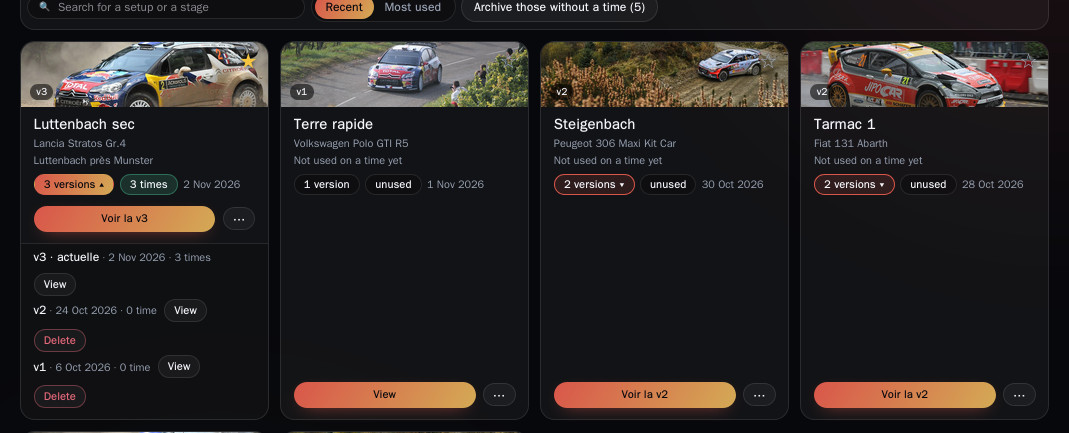
On a card, the ⋯ menu offers Versions: the latest is marked current, and each version shows how many times use it.
2. View a setup
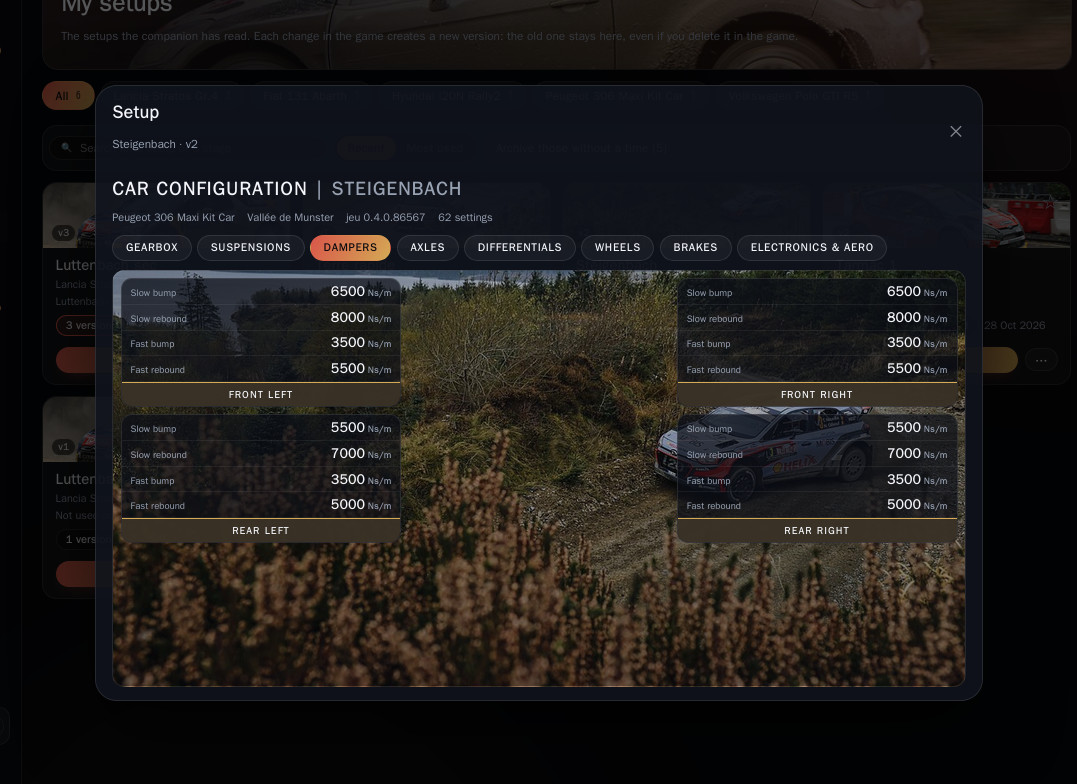
View opens the sheet, laid out like the game's Car setup screen, with the same tabs: gearbox, suspensions, dampers, axles, differentials, wheels, brakes, electronics & aero.
It is read-only: a setup is never copied or sent back to the game.
3. Tidy your list
- The car chips (with the number of setups) filter the list; Other cars unfolds the rest. The search bar finds a setup or a stage.
- With no filter you see the most recent or most used setups (Recent / Most used): pick a car or search to see all the others.
- The star at the top of a card makes a setup a favourite.
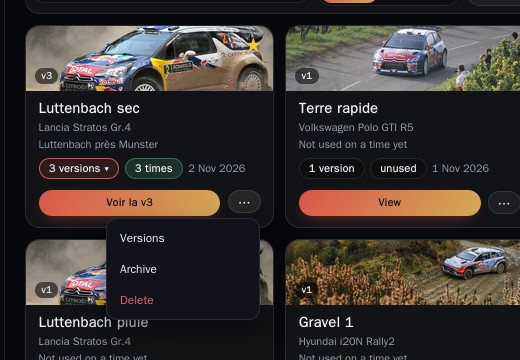
- The ⋯ menu: Archive sets a setup aside without deleting anything (find it under Archived, with Restore); Delete is permanent, but your times stay, just without a setup.
- Archive those without a time tidies away every setup that no time uses, in one go.
4. Link a setup to your times
The game does not record which setup was used. You choose it in My times: Choose a setup in a run's detail, or Edit in bulk › Setup for several times with the same car (see the My times guide).
⚠️ Your setup list is private. But a setup linked to a time can be opened by anyone, with the Setup button (🔧) in the leaderboard, in challenges and on your driver page.